
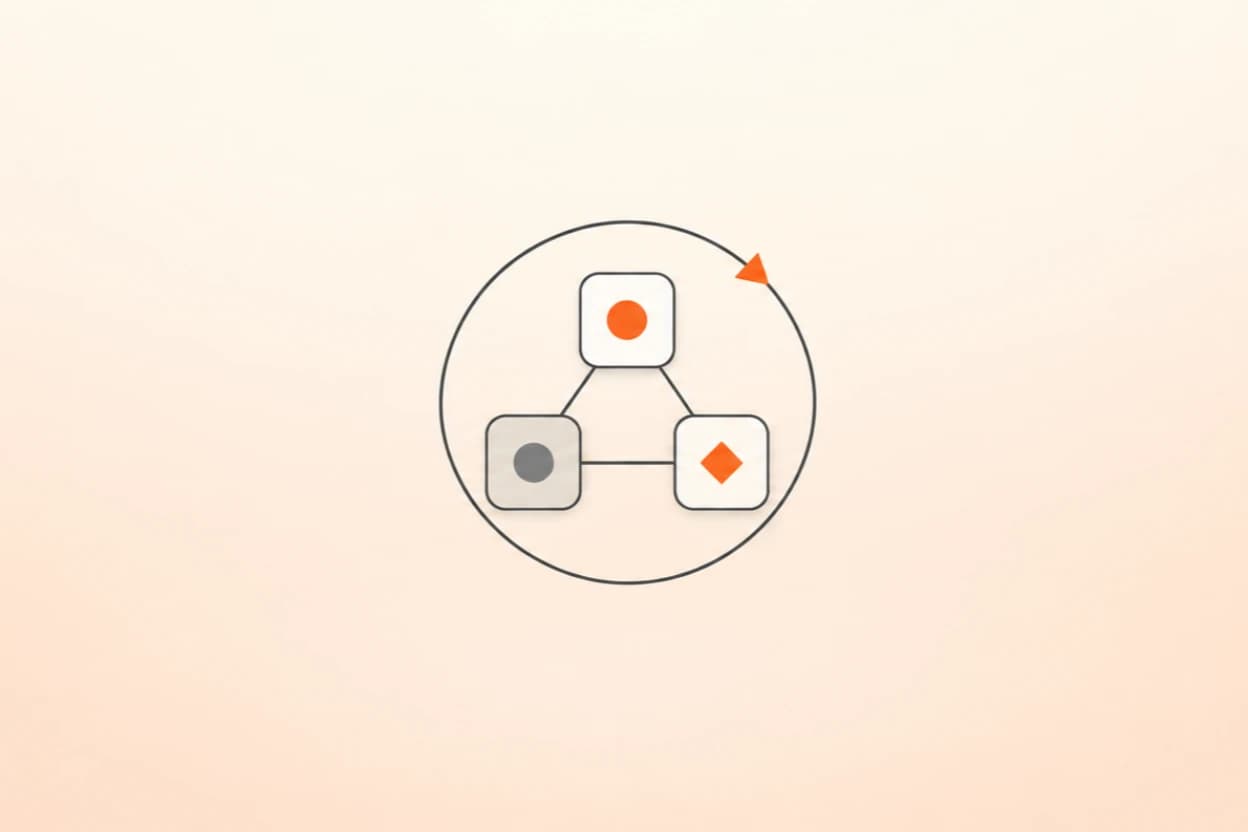
When I show people around me how to make Claude Code finish a job, and then how to give it a team of agents, they almost always ask the same next question: which one do I use for my job? Their real work isn't a one-off task. It's the review they run every Monday, the queue that refills every morning, the report that's due every month. Some of those jobs need one agent on a schedule, some need a team on a schedule, and picking the right one is most of the design.
Get it wrong and you pay for it in one of two ways. Either one agent grades its own homework week after week and nobody ever challenges it, or you pay for two dozen agents to check something you could have checked yourself in an afternoon.
By the end of this post you can:
- decide the setup for any job with two questions,
- build a review that runs every Monday and Friday and checks itself,
- make a recurring job learn from your corrections,
- and turn any one-off job that went well into a command you can rerun.
This is the third of four posts. It builds on loops and graphs, but the two questions below work on their own. The fourth post covers teaching Claude your job once with skills.
Two questions decide the setup
A loop repeats work until something says stop: a finish line is met, a check passes, a clock says it's time again. A graph splits a job into steps and hands the results between them; here, I mean splitting it across several agents who each own one piece. Neither one replaces the other. They answer different questions.
The first question: can one agent do the whole job, and can a cheap, real check tell you it worked? Rerun the numbers, count the rows, compare with the source. If yes, a loop is enough. If the job is too big for one conversation, or the check needs judgment you wouldn't trust the same agent to apply to its own work, use a graph.
The second question applies either way: does this job come back, or do you not know yet how much of it there is? If yes, wrap it in a loop, either a schedule for work that recurs or "keep going until two rounds in a row find nothing new" for work of unknown size.
You don't have to answer these alone. Before your next job that takes more than an afternoon, let Claude propose the setup:
Here's the job: <describe it, including where the inputs live and what
the output should be>. Before you touch anything, answer two
questions. One: can a single agent do all of it, and is there a cheap,
real way to check the result? Two: does this job come back, or do we
not know yet how big it is? Based on your answers, propose a setup:
one agent, a team of agents, or a team that runs on a loop. Say what
"done" looks like and how you'll check it. Wait for my OK.
Five steps before any job
Whatever the job turns out to need, answer these in order before anything gets touched.
Build it: a review that runs twice a week
Here's the setup I'd give anyone with a recurring review, whether that's customer feedback, pipeline changes, or open tickets. Every Monday and Friday, one agent reads what came in and drafts a report. A second, independent agent rereads the same material looking for reasons to reject that report. If it finds something, the draft goes back for one correction round; if it still fails, it goes to you. Whatever surprised the run gets one line in a learnings file that the next run reads first.
The order matters: build it, run it by hand, check it, and only then put it on a schedule.
Help me set up a recurring review. First ask me where the material
lives, my timezone, and where the report should go. Then create a
skill called weekly-review: one agent drafts a report from the
material, and a separate agent rereads the same material and tries to
reject the report. If it finds problems, allow one revision and one
recheck, then flag anything left for me. It must read learnings.md
before each run and add one dated line when something surprised it.
Keep all output local for now. Show me how to run /weekly-review.
Run /weekly-review a couple of times by hand and check the reports against the material yourself. Once you trust them, pick where it runs. For material on your computer, a scheduled task in the Claude Code desktop app runs it on Mondays and Fridays while the app is open. /loop works for a trial, but recurring loops expire after seven days. To run with your laptop closed, use /schedule: the skill has to live in a repository the routine can use, the material has to be reachable through a connected tool, and the reports and learnings need a place every run can read. Test one cloud run, then a second that reads the first one's learnings.
In the version I run for a team, a tracking ticket opens before each run and closes only when the run reports done. That one habit means a run that quietly failed on Monday is still visible on Friday.
Grow it: a queue that learns from your corrections
Once a recurring job runs, the next step is making it improve from what you fix. A support queue I helped set up drafts replies from approved templates. Every time a person edits or rejects a draft, the change is logged: what was drafted, what went out instead, and why.
Sending stays under a person's control. A template that goes out unedited again and again becomes a candidate for sending on its own, and a person decides whether it gets that. A low edit rate is a reason to look, not a permission.
Help me set up a correction log for my reply templates. First ask
where the templates, the drafts, and my final replies are stored. If
you can't reach them, make me a simple form to fill in after each
review. Each record: template, draft, what I sent instead or why I
rejected it. Then create a Friday summary: templates I keep
correcting, what I keep changing, and ones sent unedited every time.
Test it on three records and propose template changes for me to
approve. Don't change templates or send anything yourself.
Save it: turn a one-off into a command
Some jobs don't recur on a clock, but you'll want them again. If a job ran as a workflow (you asked with ultracode or "use a workflow"), open /workflows, select the run, press s, and choose where to save it. From then on it runs as a command by its own name. If it ran as an ordinary conversation, ask Claude to turn it into a workflow first and test it. On the Pro plan, turn on Dynamic workflows in /config.
use a workflow for this task: <describe it>. Read <where the inputs
are>, produce <the output and where it goes>, and check it against
<what counts as done>. Ask me which inputs change between runs. Use
the smallest number of agents that does the job, show me the plan
before running, test it on one small example, and then tell me how to
save the run as a command.
This series went through exactly this kind of setup. A team of seven research agents read through my own setup, and an eighth agent rechecked their numbers against the raw records and caught one that was reversed. I read everything before a word was written. Then each post went through a writer and four independent reviewers, and at the end a different model reviewed all four posts again. Every step is one of the patterns in this post.
Four ways to pick the wrong setup
All four are things I've watched happen.
| Setup | What goes wrong | What it looked like |
|---|---|---|
| Team, no loop | A plan nobody reruns as the world changes under it | A carefully reviewed localization plan, correct the day it was written, with nothing scheduled to check it again |
| Loop, no team | The check shares the blind spot of the work it checks | Six systems checked and working, and a feature that did nothing because one link was never wired |
| A watcher with no finish line | The loop watching other loops forgets it owes an output too | Eight hours of good decisions and no final report |
| A team for a small job | Hours of process for an afternoon of work | A six-file change put through twenty-four agents |
Your setup, ready this week
You're done when you can find the report, the checker's notes, and the next scheduled run. Where I still slip is skipping the question altogether.
The rest of this series: loop engineering, graph engineering, and skills that learn.